
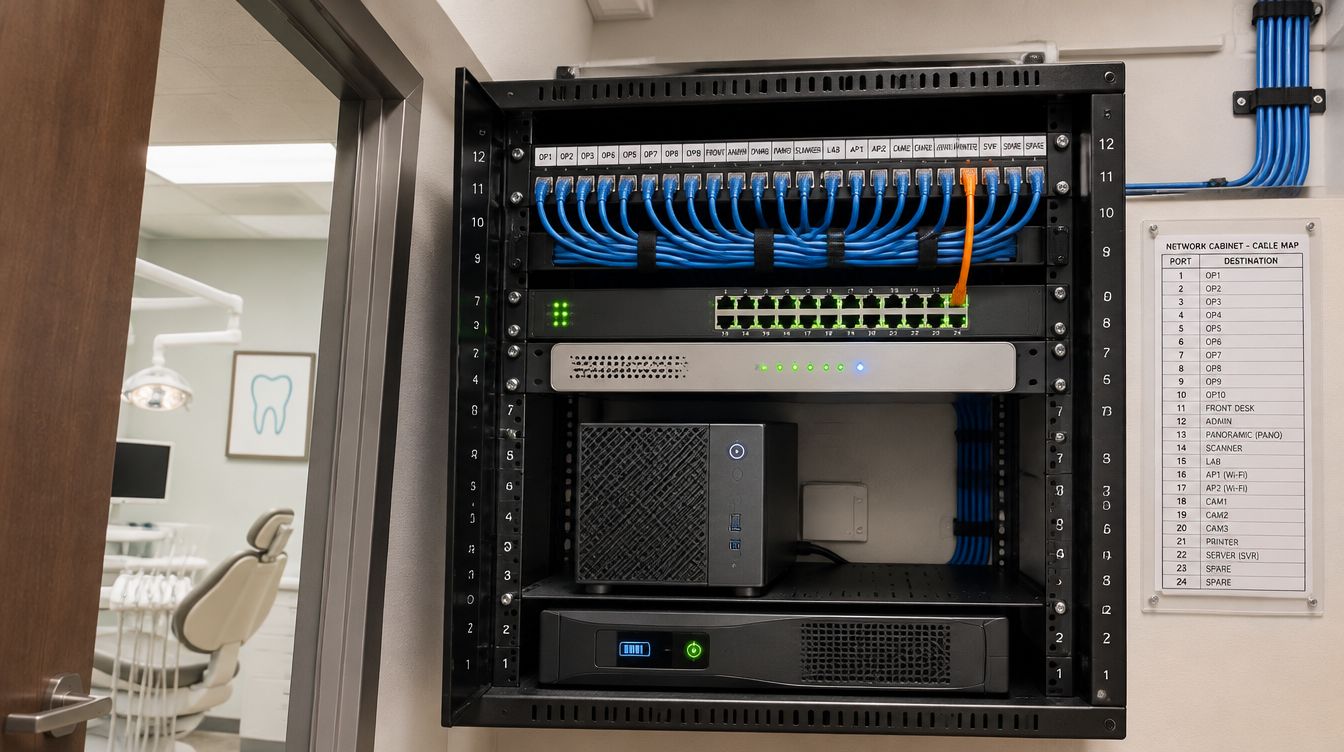
Open Dental server vs cloud comes down to who keeps the machine that holds the database. With a server in the office, the practice's IT keeps it patched, backed up and secured. With Open Dental Cloud, the vendor hosts and backs it up, while the office's own computers are still the practice's to manage. For a Boston practice the deciding facts are the internet line, the features the office relies on, and the imaging software sitting beside the program. ClearMax Labs plans either path remotely.
Last updated: November 2026
Three ways to run the database
| Server in the office | Open Dental Cloud | A cloud server the practice rents | |
|---|---|---|---|
| Who keeps the database machine | The practice's IT | The vendor | The practice's IT |
| Backups | Set up and tested by the office | Automatic, run by the vendor | Set up and tested by the office |
| Updates | The office picks the day | Installed routinely by the vendor | The office picks the day |
| Image folder | On the server's share | Hosted, imported from the local computer | Hosted storage the IT side sets up |
| Office computers | Managed by the practice | Still managed by the practice | Managed by the practice |
The third column is the vendor's "self-directed" option: a virtual server at a provider such as AWS, connected through Middle Tier, which the vendor says requires the practice's IT company to set up and maintain.
Test the internet line before anything moves
The vendor publishes its own fit test. A practice is a good match with at least 20 Mbps down and 10 Mbps up on a reliable connection and latency below 30 ms to one of its data centers; latency above 50 ms, or a connection that drops, points the other way. The vendor also lists macOS as a poor fit, and says the service is in limited release. Offices that share a circuit with other tenants, common in older buildings here, are measured during a clinic morning, not a quiet evening.
Features the hosted version leaves out
Most of the program is identical in the cloud. The vendor's differences list names the exceptions:
- Letter Merge, Chat, Voice Perio Charting and Video Capture in the Imaging module are not available;
- signatures on a touch screen are not supported;
- the Backup Tool and Supplemental Backups are gone, because the vendor backs up the data;
- images and documents are imported from the local workstation, since the image folder is not stored in the office.
Some third-party integrations are limited too, and the vendor keeps a list of the ones that work.
Sizing the cloud by sessions
Cloud packages are counted in concurrent sessions and storage, not in computers. A session is one open copy of the program. The vendor's Cloud Management window shows who holds each session and from which computer, and raising the session limit adds a fee. Planning counts the peak hour and measures the database and image folder, since storage over the allotment is billed too.
Massachusetts rules that travel with the data
Moving the database out of the closet does not move the state's rules. Three change the setup.
- Massachusetts requires encryption of transmitted records and files containing personal information that will travel across public networks, where technically feasible. In the cloud every chart opened at the front desk crosses the public internet, so that link is encrypted, and so is the VPN to a rented server.
- The state also expects third-party service providers to be held to security measures by contract. The hosting agreement goes into the practice's written security program.
- Sign-ins must lock after repeated failed attempts, and each person gets an ID of their own. Cloud Management can restrict users to listed static IP addresses unless they hold the permission to log in from anywhere, so home access is granted by name, not left open.
Who still looks after the office computers
The vendor is plain that the computers which reach Open Dental Cloud are still fully managed by the practice or its IT. Updates, malware protection, sensor drivers, printers and the router stay on the office side either way. Imaging software that is not the vendor's own may stay local or need its own hosting, and that decision is made before the move date, not on it.
Work that needs hands in the building stays with the office's licensed local contractor, from a written plan.
How a move is planned remotely
- A remote review of the server: version, database and image folder size, backups and integrations.
- The line test, plus the features list matched against the vendor's differences.
- A written recommendation: stay on a server, move to the vendor's cloud, or rent a cloud server, with the reasons.
- For a cloud move, a dated plan around the vendor's signup and migration, with sign-ins and allowed addresses ready before cut-over.
- For a server that stays, the same review becomes the hardware plan and the rebuild steps.
Staff are shown how to use the new sign-in and security settings, and the walkthrough is noted in the practice's records.
Server or cloud: what Boston offices ask
Can the office go back to its own server later?
Yes. The vendor lists switching from cloud to local, or the other way, as supported. The return trip needs a server ready first.
Does the vendor's cloud replace our backups?
For the database and image folder, yes: the vendor runs them, encrypts them and stores them off site. Files kept outside the program, and any local imaging database, still need a backup of their own.