A Boston dental office on Open Dental has two sides to its IT. The vendor answers for the program. The server that holds the database, the office network that carries it to every operatory, the workstations and the backups are the practice's own, and they need a plan whenever they change. ClearMax Labs plans that side remotely for practices across Greater Boston: server migration, the cloud or server decision, the workstation plan, backups and new office IT, with the Massachusetts data-security rules written into how each fix is done.
Last updated: November 2026
What server and network work does a Boston office need?
When practices here search for help, the phrases are about the machines underneath the program: what server it needs, how to set one up, and whether the cloud can replace the server. Each of those has its own page on this site, written from the vendor's manual and checked against the rules that apply in this state.
The server itself
A multi-computer office needs one machine that holds the database and the shared image folder. The server requirements page sets the vendor's published minimums beside what actually lasts, including the Windows 10 cut-off and the 20-connection limit on Windows 11 Professional that catches growing offices.
Setting it up
A new or rebuilt server needs the database engine, a firewall exception on the server only, the shared folder and the data paths, in that order. The server setup page walks through each step and the database password the vendor recommends.
The office network
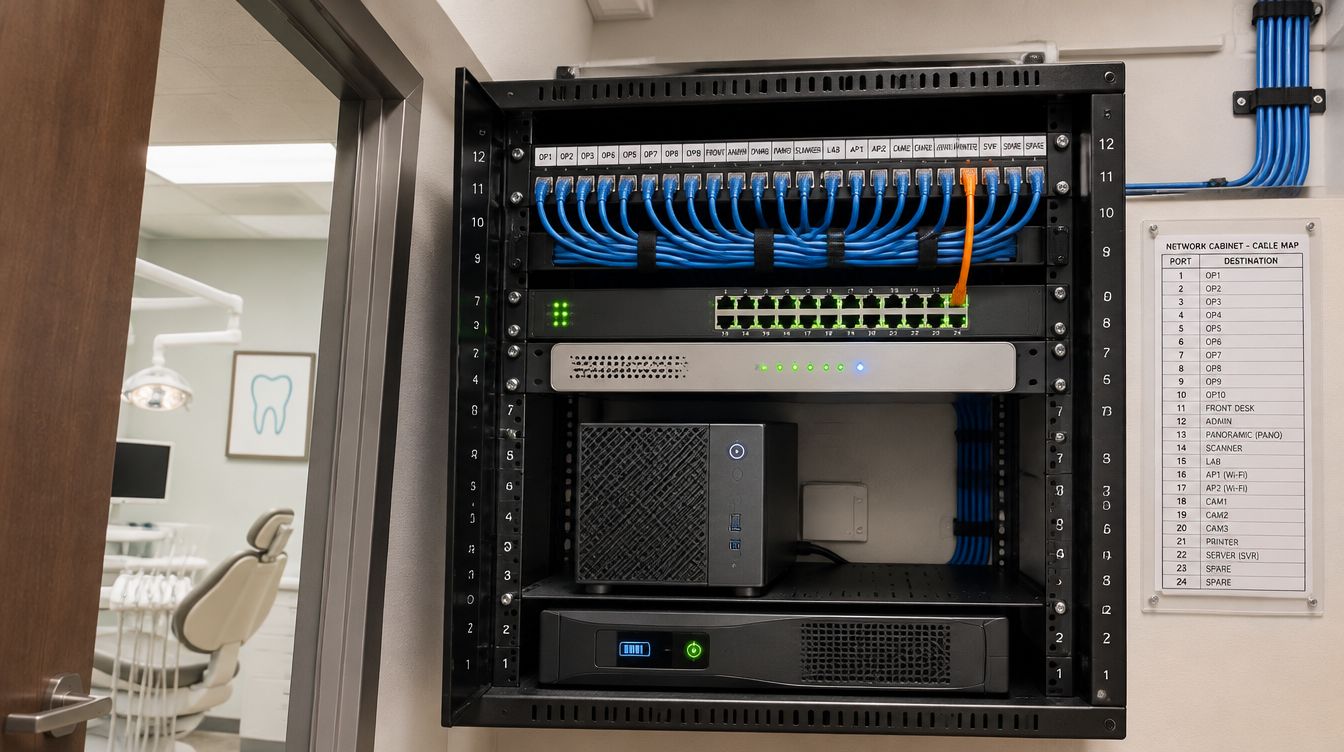
The server only works as well as the network that carries it to each operatory: wired desks, a firewall exception on the server only, and a router that never exposes the database. The server requirements page covers the network rules beside the hardware.
Keeping a server at all
Some offices no longer need a database machine in the closet. The server or cloud page covers the vendor's hosted version, the internet line it needs, the features it leaves out and what the office still looks after either way.
Why does Massachusetts change the way the work is done?
Most states have a breach-notice law. Massachusetts also has a regulation that says what the computer systems themselves must do, and it applies to any business that keeps a Massachusetts resident's name together with a Social Security, driver's license, financial account or card number, which most dental offices do. Four parts of it shape the advice on this site.
- The security program has to be written down, in one or more readily accessible parts, and scaled to the size of the business. So every change made here comes with a short written note the practice keeps. Over a year those notes are most of the program.
- Sign-ins must be unique, limited to active staff, protected by passwords that are not vendor defaults, and blocked after repeated failed attempts. A shared "frontdesk" login fails that test before anything else is looked at.
- Personal information on laptops and other portable devices must be encrypted. A laptop that carries a database copy home, or a backup drive that leaves the building, is encrypted first.
- If something does go wrong, notice is due as soon as practicable and without unreasonable delay, so the incident plan starts the day the breach is known. The restore has to work on the first try.
The same regulation asks for reasonably current patches, firewall protection and malware protection on internet-connected computers, staff training on the security rules, and a contract with any outside provider who touches the data. Those land on the IT side of the office too, and they are covered on the pages above where they apply.
None of that requires a practice to buy a compliance product. It requires the everyday settings, the ones on the server, the firewall, the sign-ins and the backup, to be set on purpose and written down.
How is the vendor's support different?
The vendor's plan covers the program: how a feature works, an error the program raises, an eService that stopped. It does not cover the server's hardware, the firewall rule for the database port, the Windows account of the hygienist who left in June, the encryption on the doctor's laptop or the backup schedule. The vendor's own manual sends those to "an IT Professional" in several places, including scanner drivers and disk encryption. Its contact page lists the support line and the after-hours option.
When the problem turns out to be inside the program, the vendor ticket is opened under the practice's own support plan with the evidence already gathered, so the vendor technician does not start by asking whether the server and network have been ruled out. Their published hours, converted to Boston time, run from 8:00 AM on weekdays and end at 2:00 PM on Sunday.
What does a small office usually have?
The vendor's guidance treats ten computers or fewer as a small office, where one workstation is usually designated as the server and ideally kept for that job alone; larger offices typically move to a Windows Server operating system with a domain. Some offices in older city buildings also share an internet circuit with other tenants. Neither changes the program, but both change what fails first and how a fix is planned.
How does a project start?
- You call (617) 440-9038 or send the form with what you are planning and by when.
- A few questions: how many computers, the age of the server and its Windows version, which version of the program is installed, and whether the vendor plan is current.
- A remote review of the server: version, database and image folder size, backups and integrations.
- A written plan with the reasons, scoped and quoted after that review.
- A short written note of what was found and what was changed, for the practice's records.
Nothing is quoted by phone before the office's setup has been seen. Scoped and quoted after a free assessment. The about page says who does the work and what is left to the vendor.